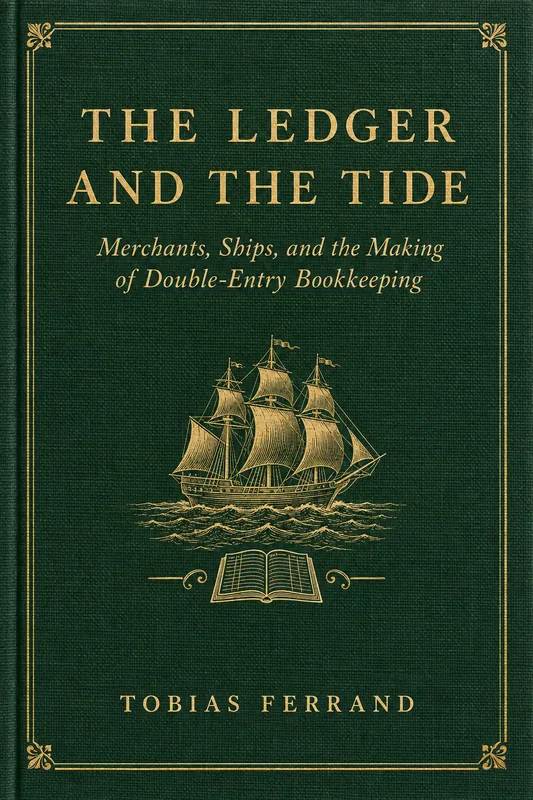
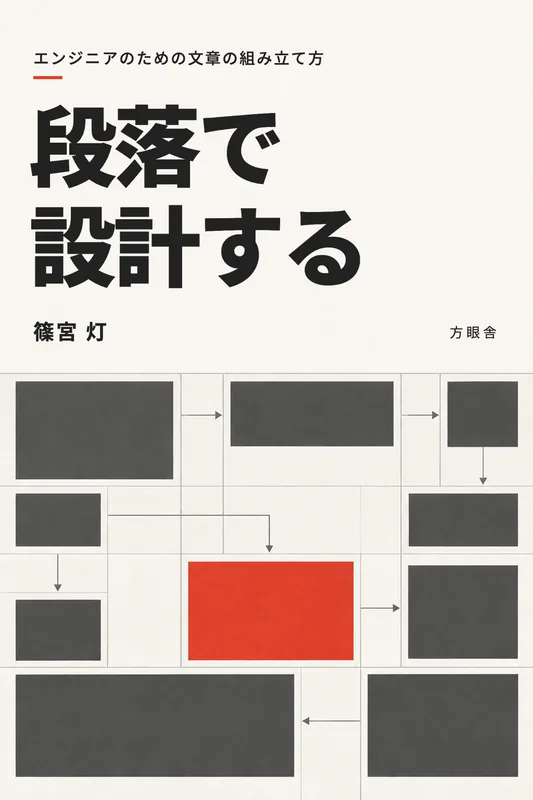
A PDF library for Mac, iPhone, and your AI

Your bookshelf, in your pocket. And in every AI you use.

RooBook turns the PDFs you own into a library you can read on your Mac and iPhone and search from your AI. Every answer points to the page it came from. Open the link and the Reader shows that page with the passage marked.

  • Free
  • Apple silicon
  • macOS 15 or later
  • v1.0.18

Reading app for iPhone and iPad

Download on the App Store

Slack app

Add to Slack

How it works

From a PDF to an answer, and back to the page.

Four steps, one book. The Reader and your AI look at the same pages, with the same page numbers and coordinates.

  1. 01On your Mac

    Add a PDF

    Add a book you own to RooBook on your Mac. The original PDF is kept exactly as it is.

  2. 02On your Mac

    It gets structured

    OCR, layout analysis, and search vectors are built on your Mac. The AI you choose maps the chapters, sections, and figures: OpenAI through your Codex sign-in, Claude with your Anthropic API key, or a model in Ollama on your Mac.

  3. 03Reader or AI

    Ask from the Reader or your AI

    Read in the native Reader on Mac, iPhone, and iPad, with themes, Read Aloud, highlights, and notes. Or ask from an AI app. Both pull the same page from the same book.

  4. 04Back to the source

    Return to the page

    Results carry the page number, character coordinates, and a link. The link opens the Reader on that page with the words marked.

For AI

Bring your own books to the AI you already use.

Two ways in. Both read only your library, and both hand back page numbers and links you can check.

Remote MCP connector

Add RooBook as a custom connector in an AI app that supports remote MCP servers. You sign in with your RooBook account over OAuth, and the AI can reach only your own library.

https://api.roobook.app/mcp

Tools include search_library, read_pages, get_page_image, list_figures, and add_note.

Tested as a custom connector in Claude.

roobook CLI on your Mac

The roobook command ships inside the app. Coding agents such as Codex and Claude Code can search your books, read page ranges as Markdown, and pull figures from the copy cached on your Mac.

roobook search --query "desiccation" --limit 5

Set up MCP and the CLI

Add RooBook to Claude or Slack

  • Claude

    Add RooBook as a connector from the Claude Directory, then sign in with your RooBook account.

    Open in Claude Directory
  • Slack

    Search your library with /roobook, or ask Slackbot, which reads RooBook through MCP. Each person links their own RooBook account. /roobook replies in English or Japanese, and /roobook language en switches it.

    Add to Slack

Your books, your account

What happens to a book you add.

Analyzed on your Mac
OCR, layout analysis, and embeddings run on your Mac. RooBook's API servers never analyze your PDFs.
Structured with the AI you choose
To build chapters, sections, and figure descriptions, RooBook sends OCR text and page images to the AI you choose: OpenAI models through your Codex sign-in, or Claude with your Anthropic API key. With a model in Ollama running on your Mac, they stay on your Mac. RooBook doesn't store your OpenAI credentials.
Kept in your private library
The original PDF and the structured book are stored in your library on Google Cloud, so your iPhone, iPad, and AI connectors can reach them. Other users can't see them.
Open formats
Books are stored as DoclingDocument, a published format, and can be exported as Markdown or HTML. Every quote links back to its page in the book.

Before you start

What you need.

  • A Mac with Apple silicon

    Running macOS 15 or later. Adding and analyzing PDFs happens only on the Mac.

  • An AI to structure books

    Choose one in RooBook’s settings: Codex with a ChatGPT account (install it with brew install codex or the ChatGPT app), Claude with an Anthropic API key, or a model running in Ollama on your Mac.

  • A RooBook account

    Create one in the app with your email address.

  • Nothing to pay

    RooBook is free. There is no paid plan. If you analyze books with Claude or register an API key for semantic search, that provider bills your key.

  • iPhone and iPad

    The reading app on the App Store (iOS 18 or later) has the same Reader, with themes, Read Aloud, Page Thumbnails, highlights, and notes. Your notes and reading position sync with your Mac.

    Download on the App Store
  • Interface language

    The app is in English and Japanese and follows your device's language. On a Mac you can choose it in RooBook's settings, and on iPhone and iPad in the Settings app. OCR reads Japanese and English.

Put your bookshelf in your pocket.

Download the signed and notarized DMG, or install with Homebrew.

brew install --cask arcmanagement/roobook/roobook
  • RooBook 1.0.18
  • Free
  • Apple silicon
  • macOS 15 or later